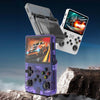
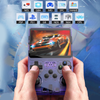
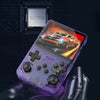
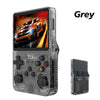
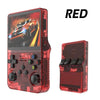
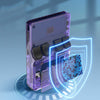
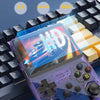
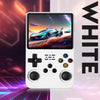
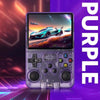
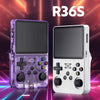
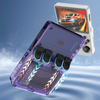
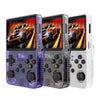
R36S Retro Portable Console – Classic & 3D Game Emulator
🎊 200,000+ Orders Shipped
Trusted by 50,000+ Happy Parents Across India
Flash Sale Ends In
HRS
MIN
SEC
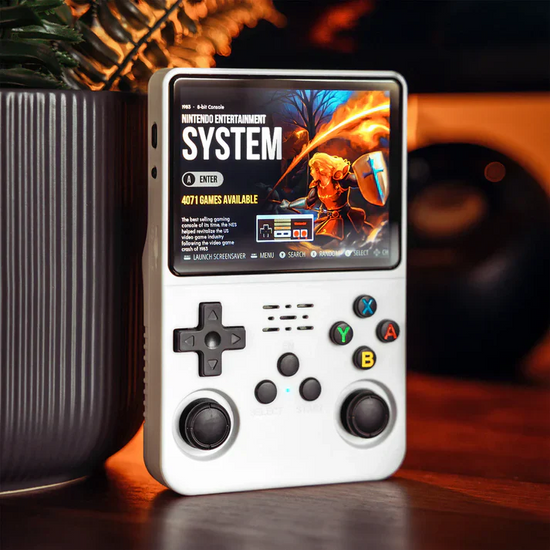
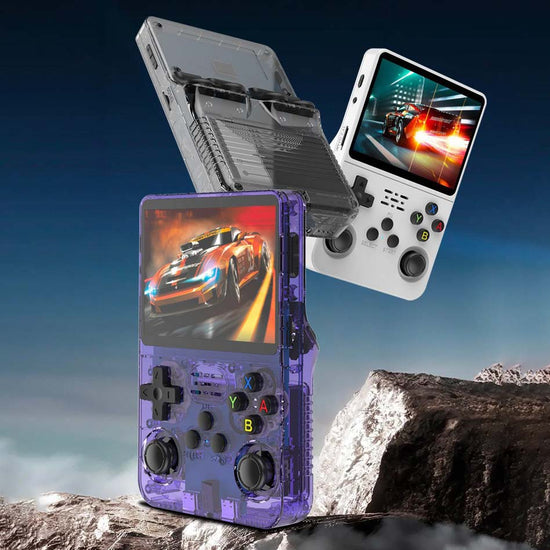
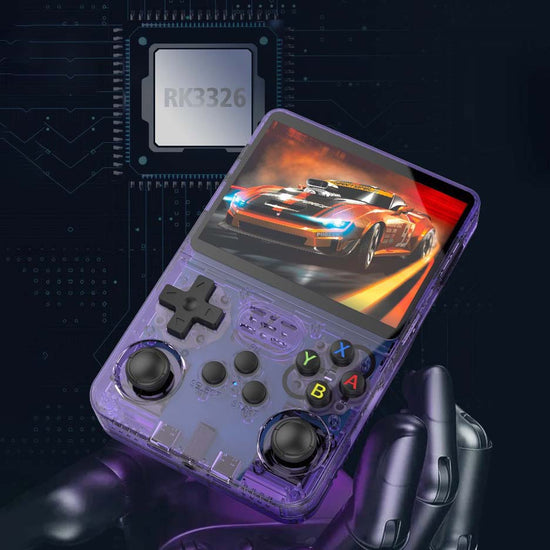
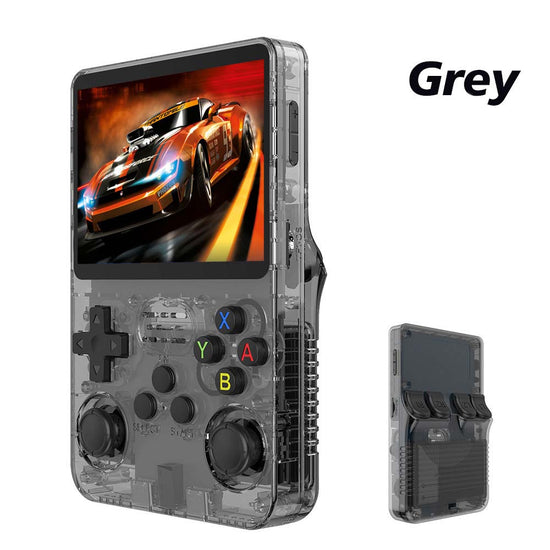
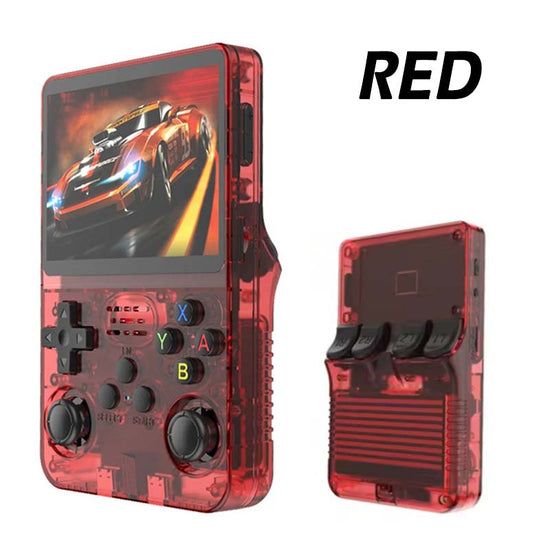
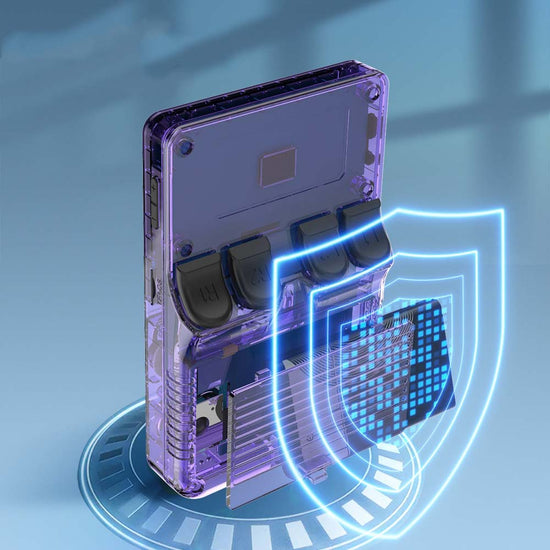
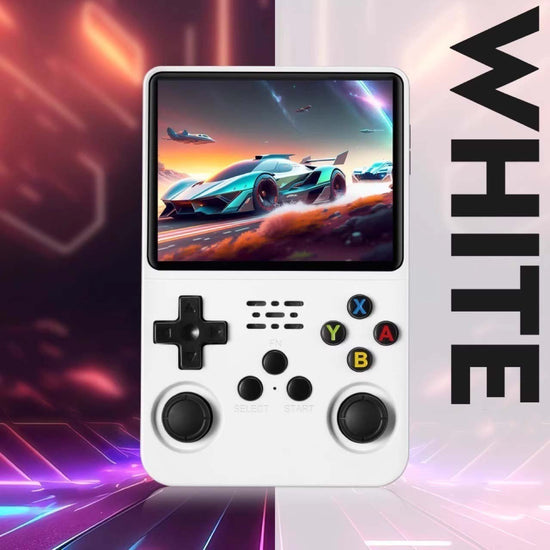
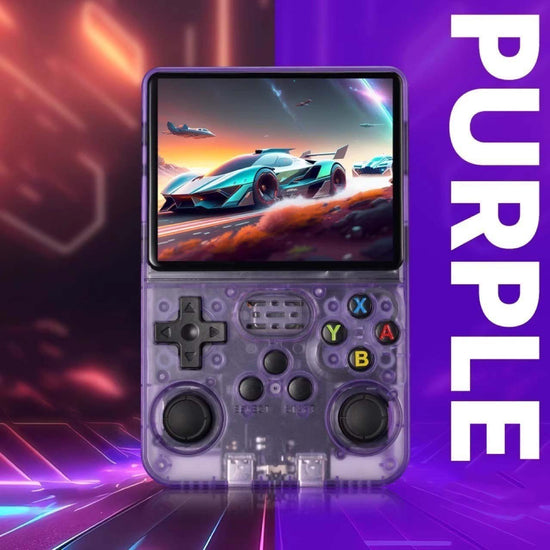
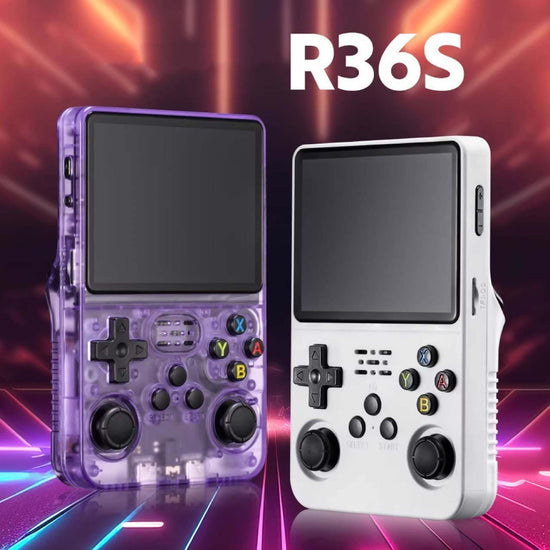
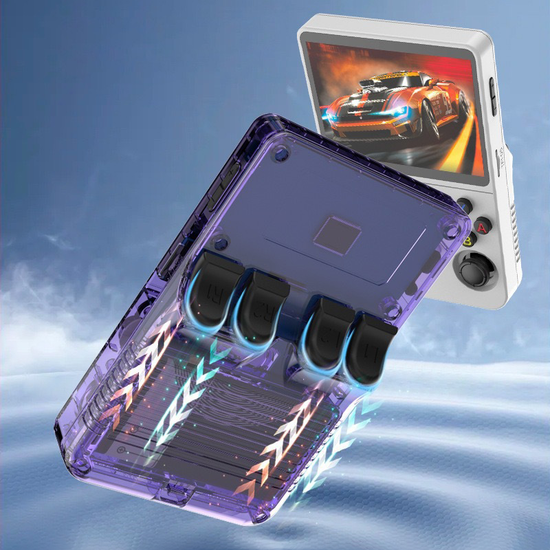
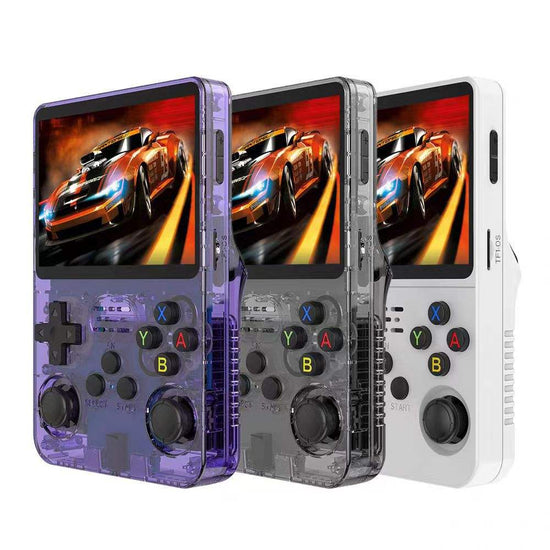
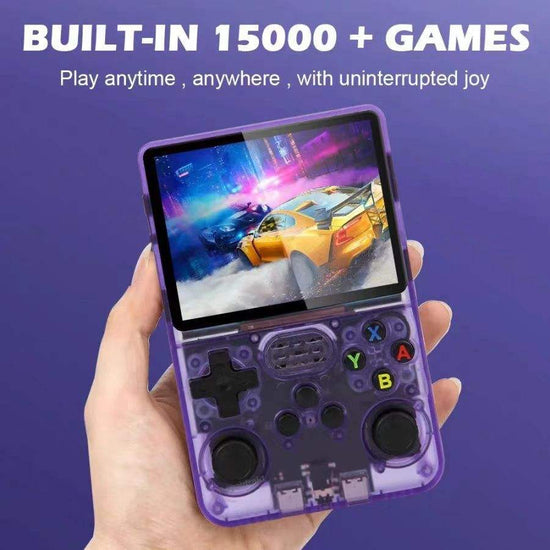
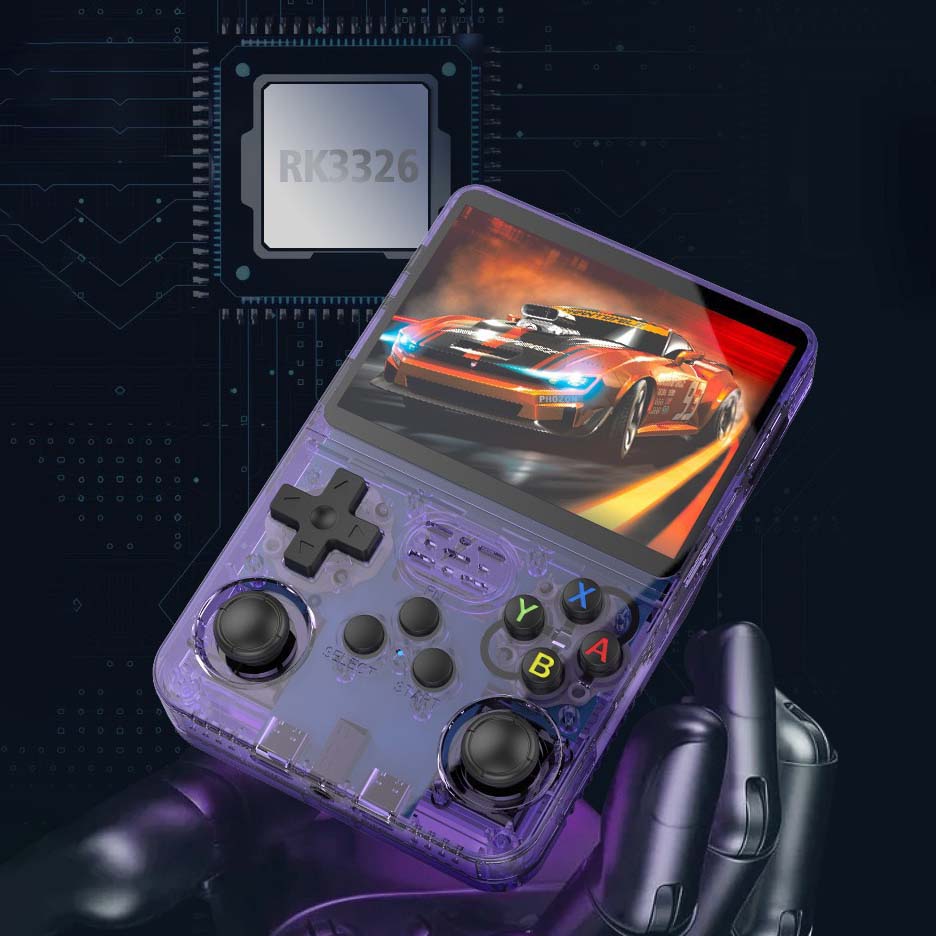
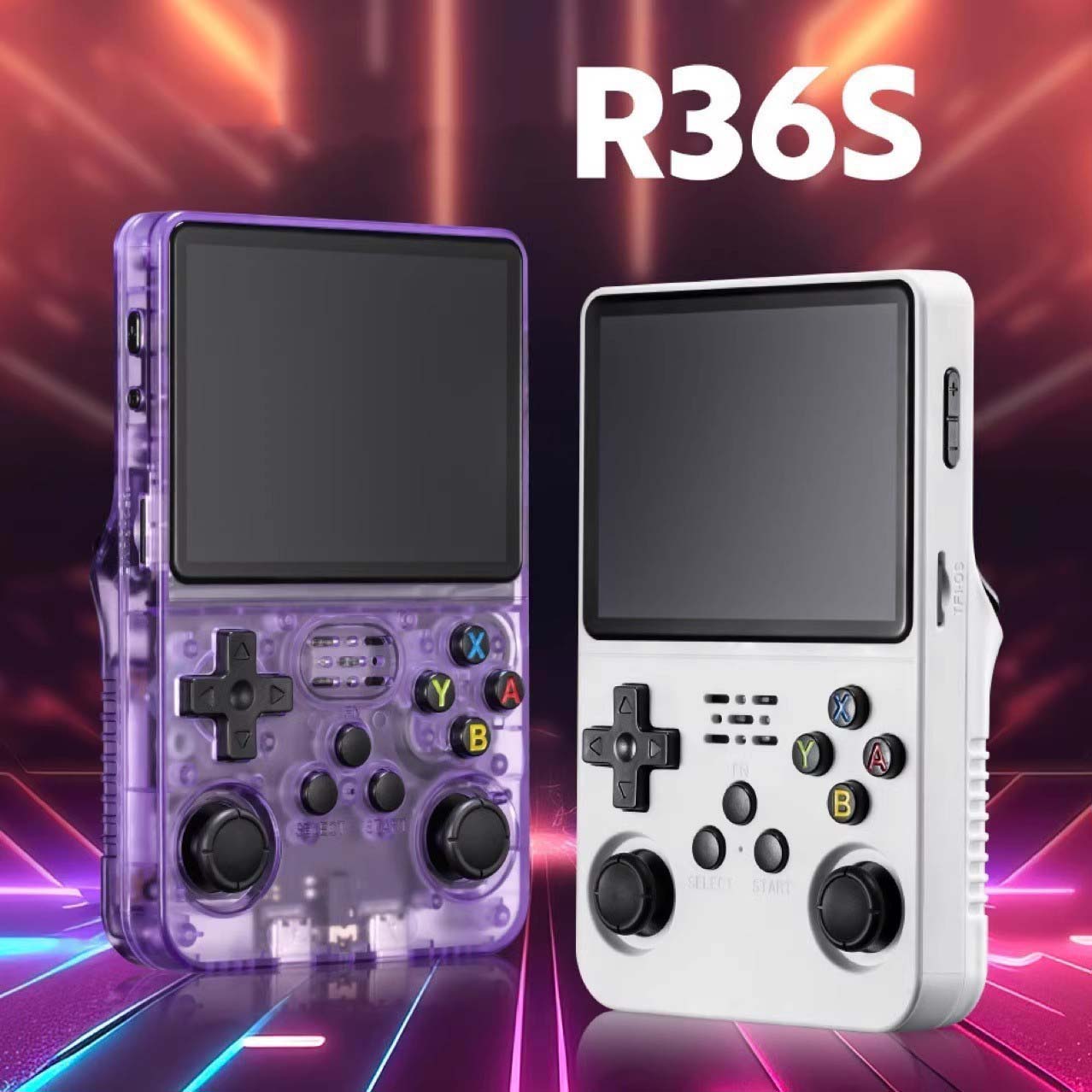
🎮 R36S Portable Retro 3D Dual-System Handheld Game Console | 3.5” IPS HD Screen | Dual Joysticks | RK3326 Chip
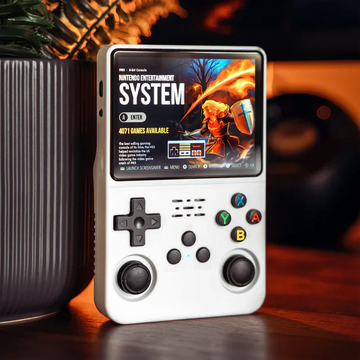
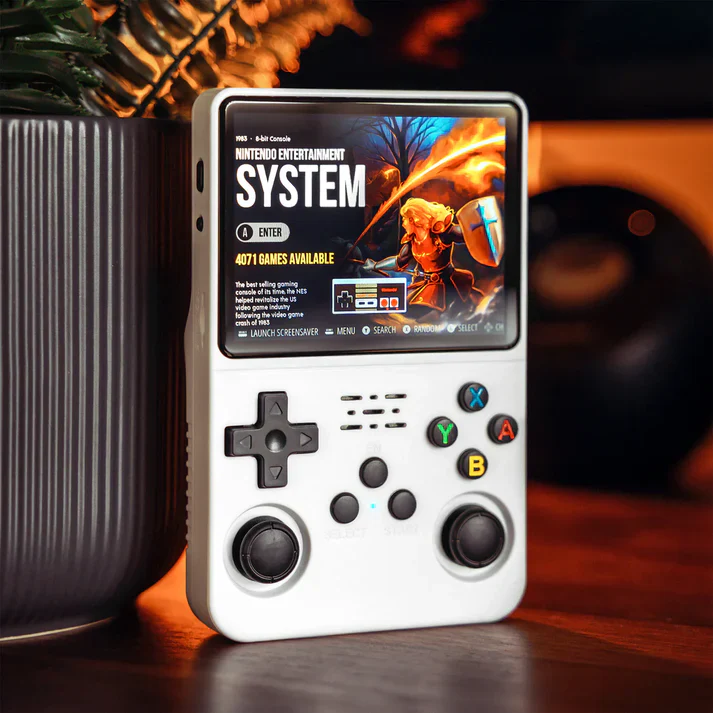
Experience retro gaming like never before with the R36S Portable Retro 3D Dual-System Handheld Game Console.
Featuring a 3.5-inch HD IPS color display, powerful RK3326 64-bit gaming chip, and dual joystick design, it delivers smooth, immersive gameplay for both classic and 3D titles.
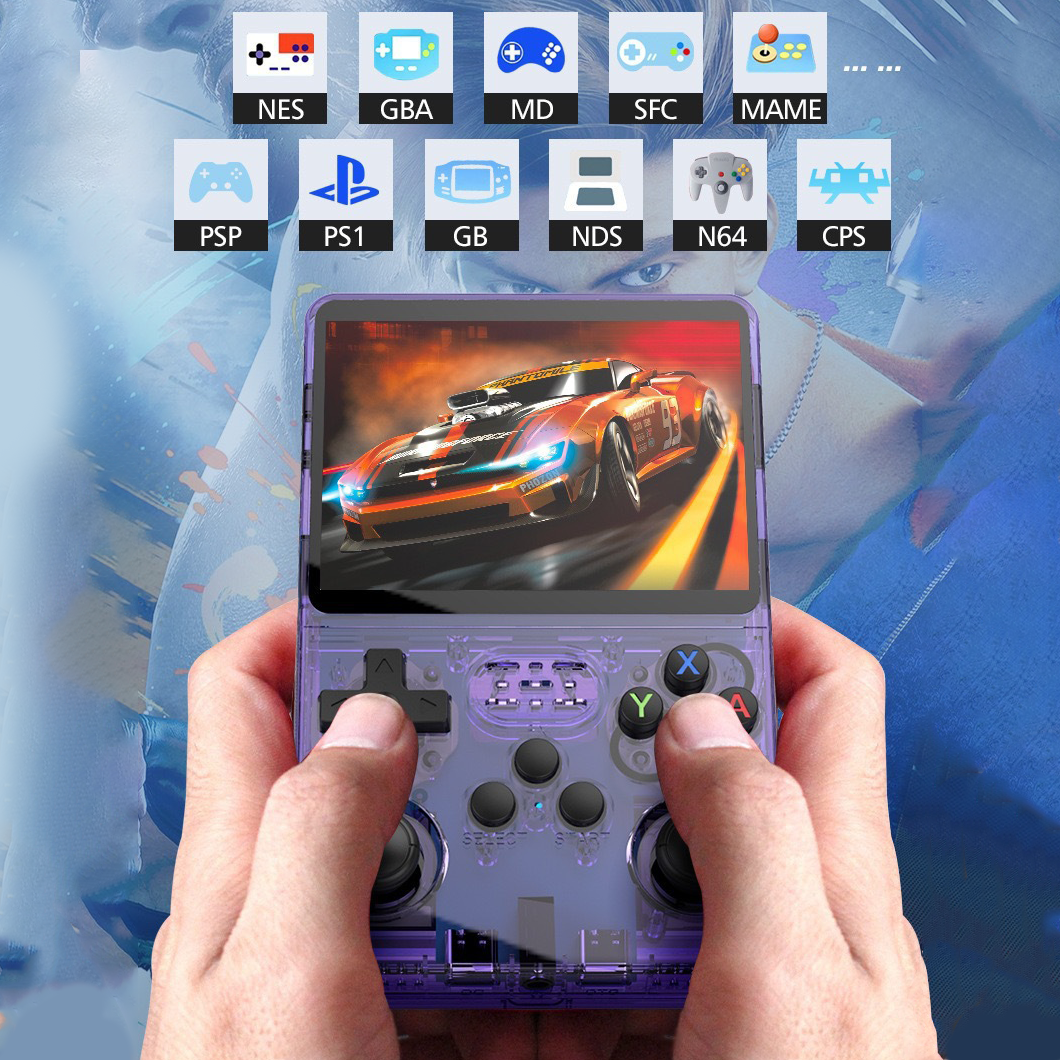
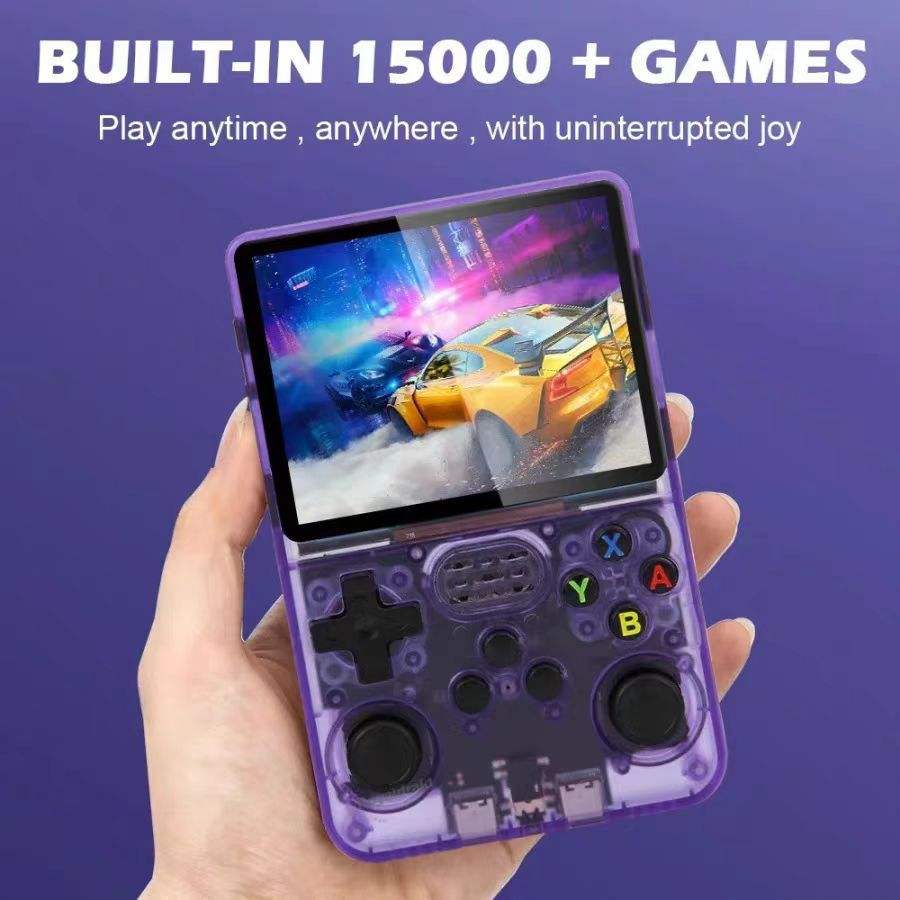
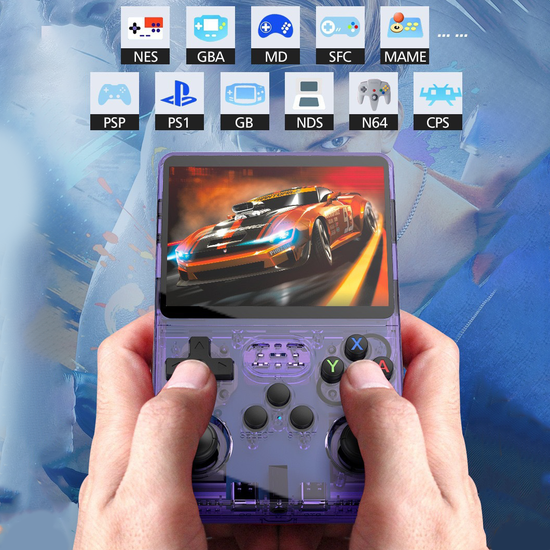
With support for 10+ emulators (including PSP, PS1, N64, NES, GBA, and more), the R36S is your all-in-one portable arcade — ready to relive decades of legendary gaming, anywhere you go. 🚀
⚡ Key Features
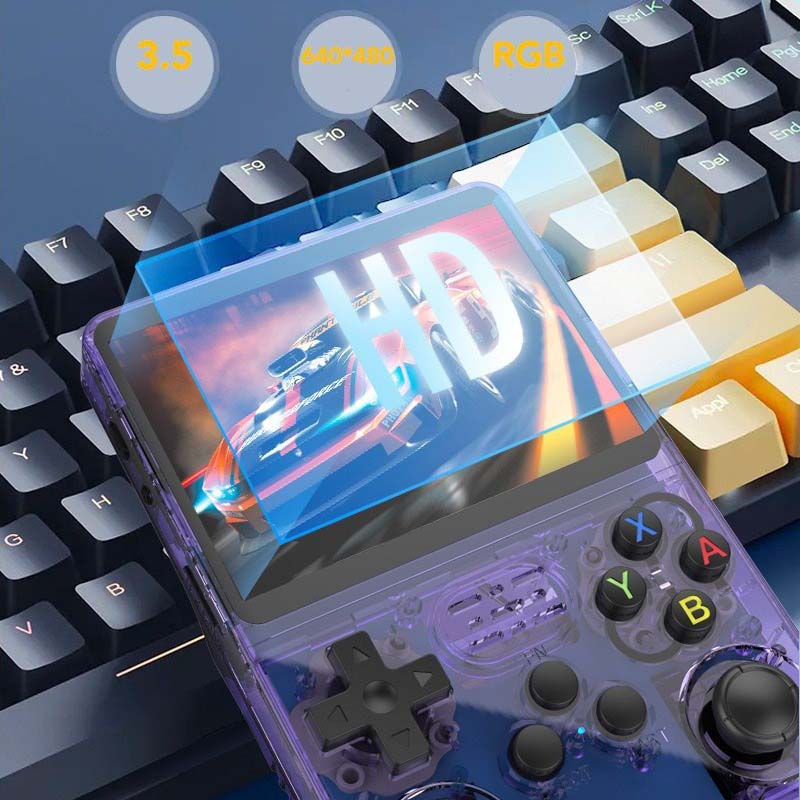
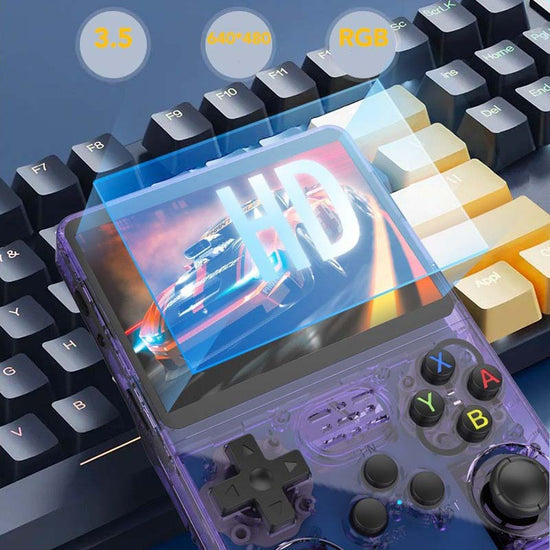
📺 High Definition 3.5” RGB IPS Screen
-
640×480 resolution with sharp visuals and rich color reproduction.
-
Reduces eye fatigue for extended play sessions.
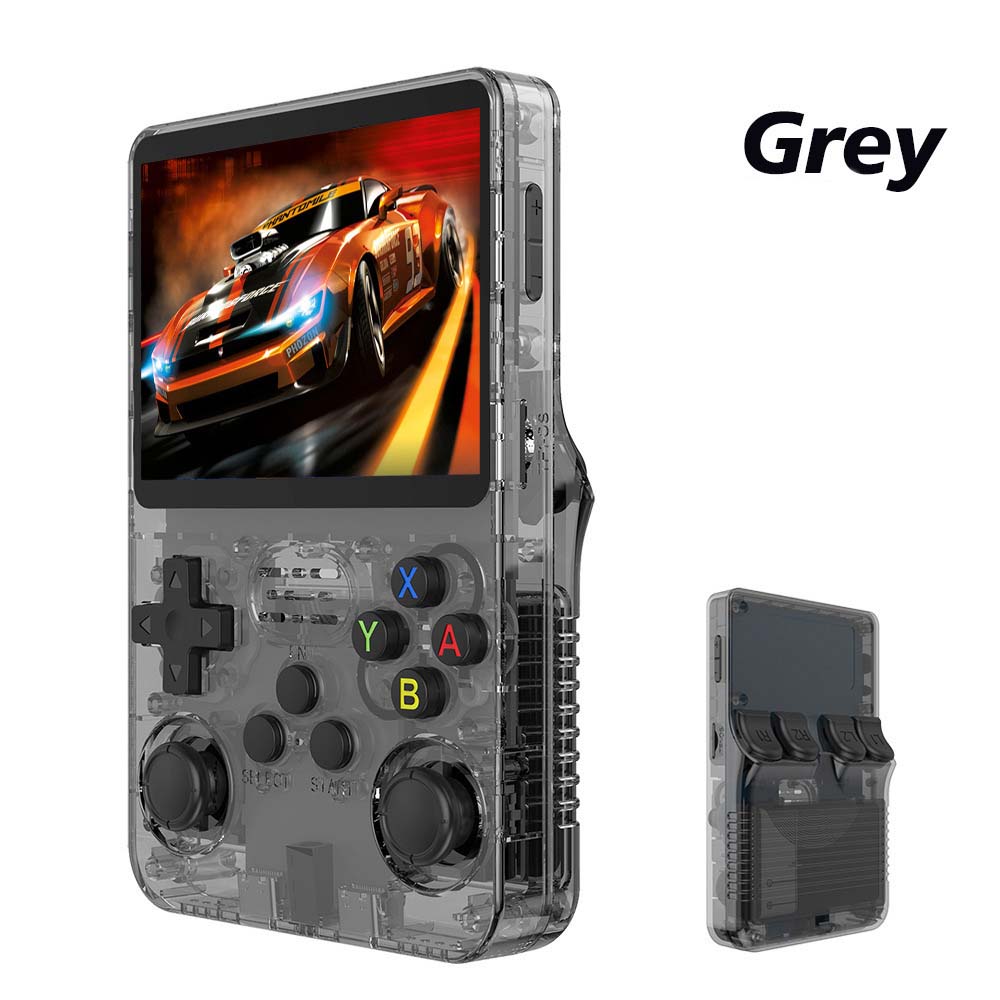
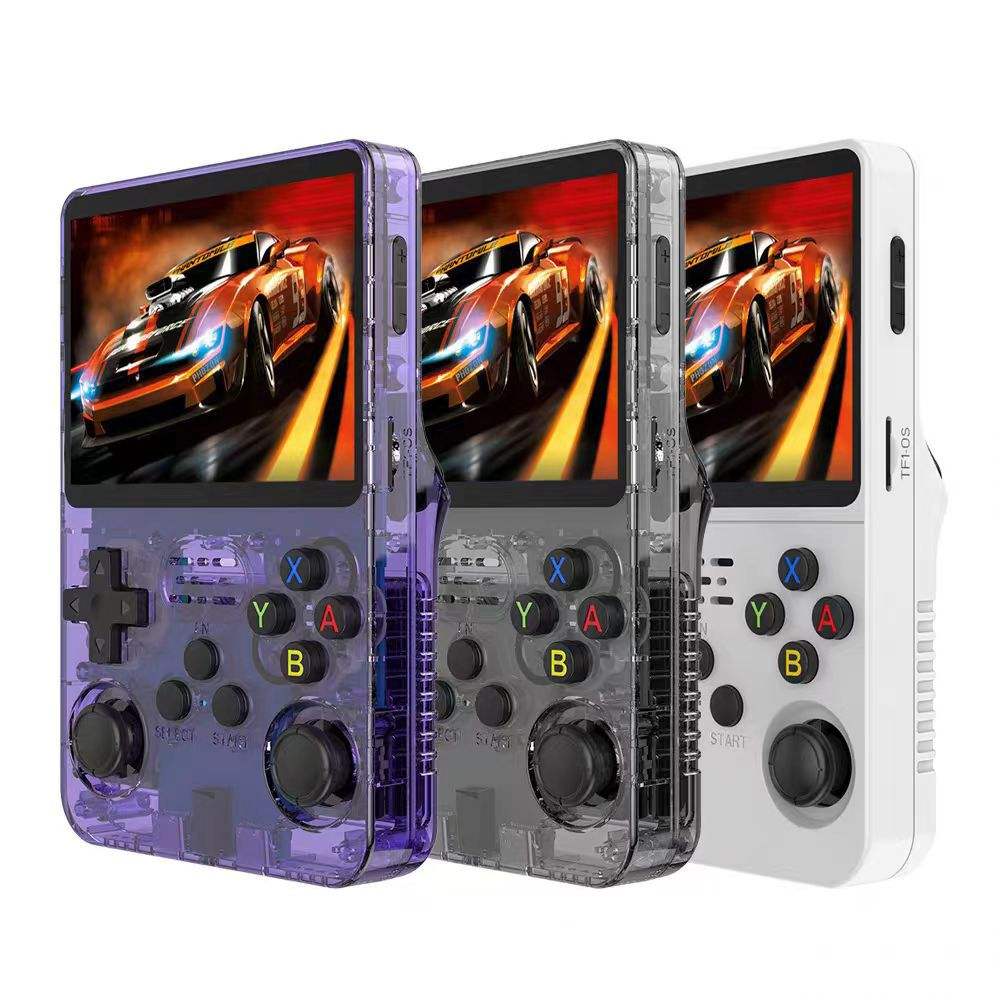
🕹️ Dual 3D Joysticks for Ultimate Control
-
Smooth, responsive dual analog sticks paired with a classic D-pad for precise movement.
-
Ideal for fighting, racing, and platform games.
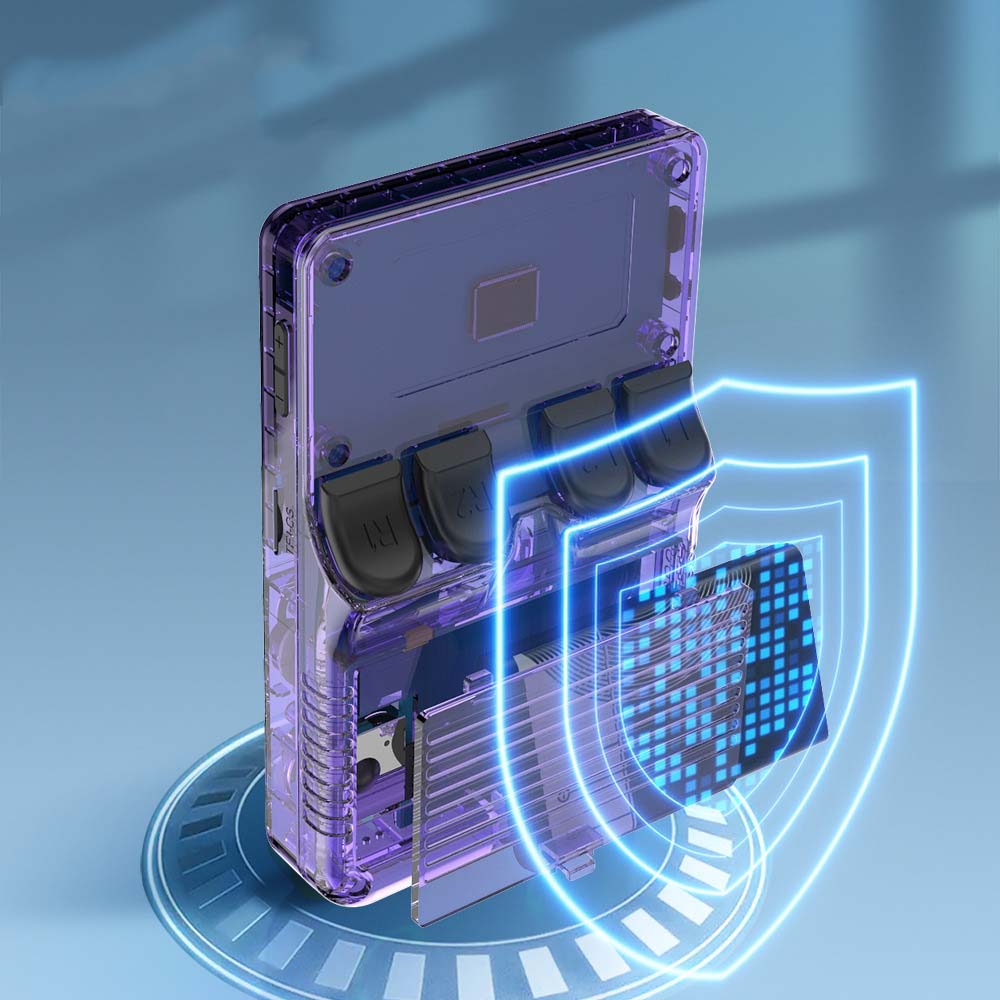
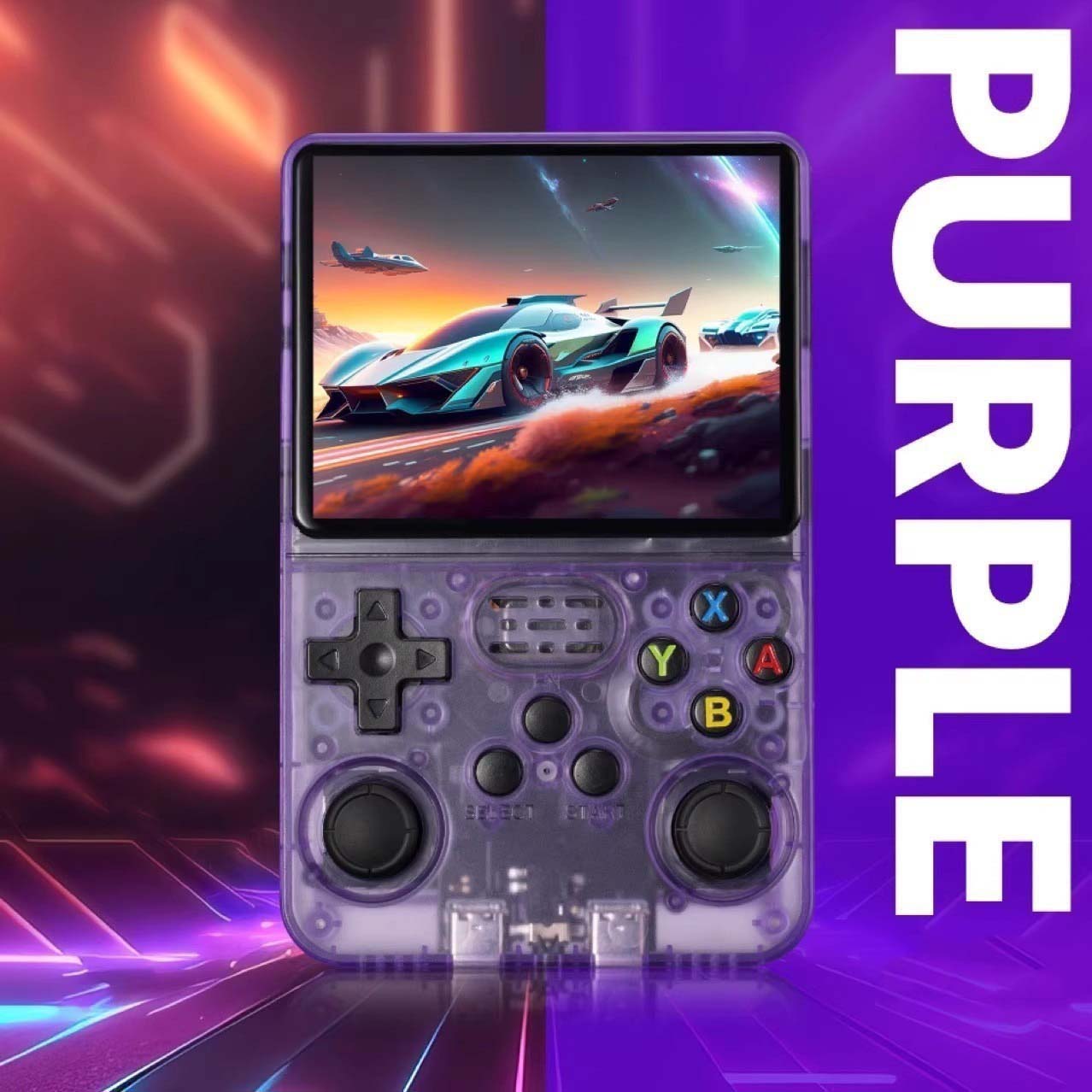
💾 Dual TF Card Storage Design
-
One card for system OS, one for games — expand easily up to 256GB.
🔋 Long-Lasting 3500mAh Polymer Battery
-
Up to 6 hours of continuous gaming on a single charge.
-
Rechargeable via USB Type-C port.
⚙️ Powerful RK3326 Professional Gaming Chip
-
1.5GHz 64-bit processor for lag-free 2D and 3D game performance.
-
Handles demanding emulators and smooth frame rates.
🎧 Immersive Audio & Ergonomic Build
-
Dual front speakers with clear stereo sound.
-
Comfortable grip for long gaming sessions.
🌈 Multiple Emulator Support (10+ Systems)
-
Play classic titles from NES, SNES, GBA, PSP, PS1, N64, MD, CPS, MAME, GB, and more.
-
Preloaded with thousands of popular retro games.
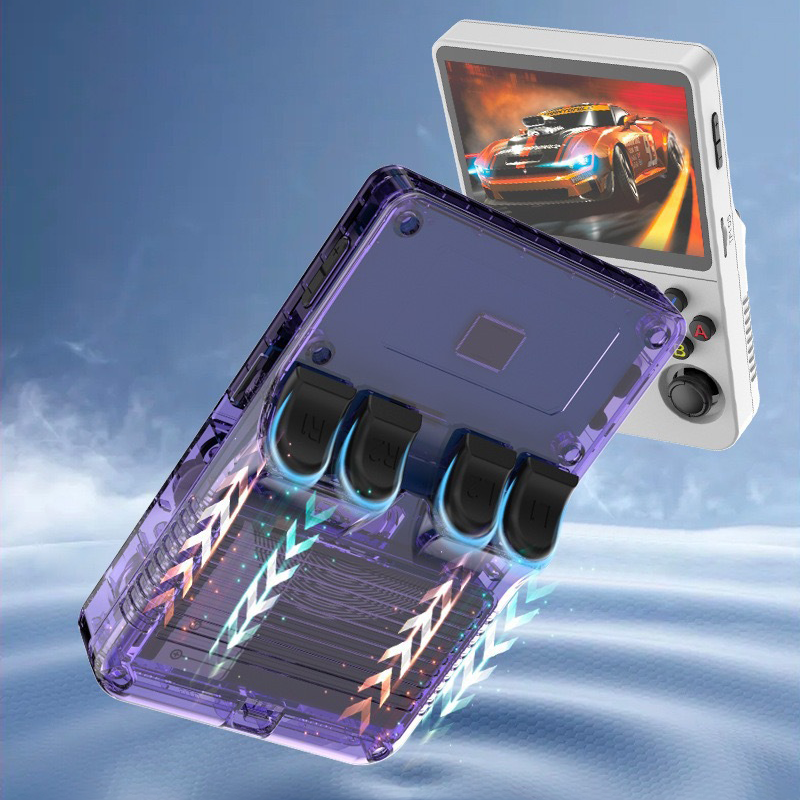
🎮 Enhanced Controls & Function Keys
-
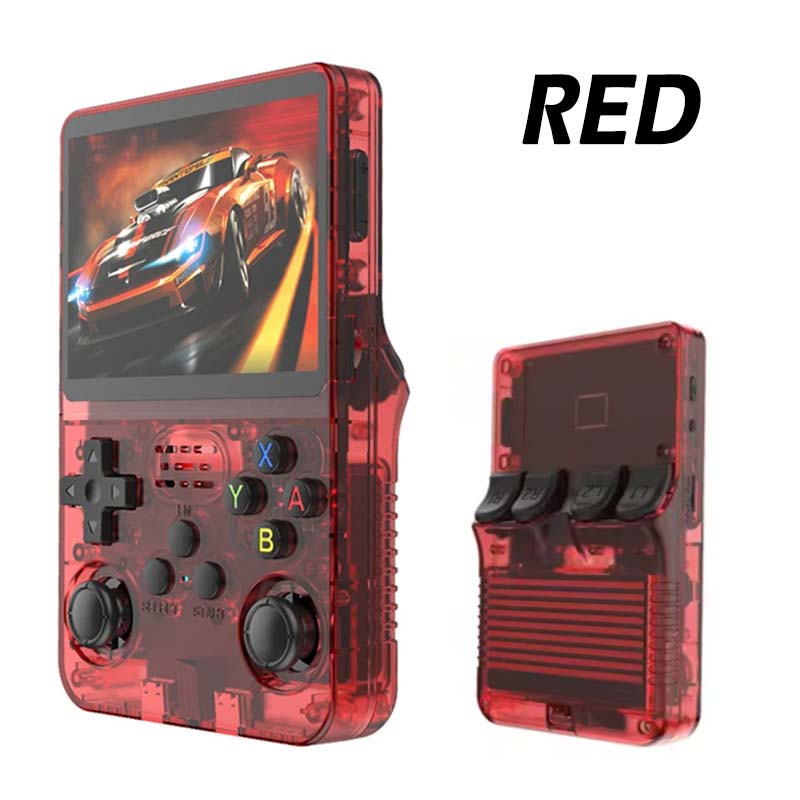
L1/L2, R1/R2 trigger buttons, Start/Pause, and multi-function keys for complete control.
📦 Specifications
| Feature | Description |
|---|---|
| Model | R36S Retro 3D Dual-System Console |
| Display | 3.5-inch IPS HD Screen |
| Resolution | 640 × 480 pixels |
| Processor | RK3326, 64-bit, 1.5GHz |
| Battery | 3500mAh rechargeable lithium polymer |
| Charging | 5V 2A Fast Charging |
| Playtime | Up to 6 hours |
| Storage | Dual TF card slots (supports up to 256GB) (64GB Card Included) |
| Connectivity | Type-C charging, 3.5mm audio port, OTG support |
| Audio | 3.5mm Audio Jack (Headphone Port), Speaker Hole |
| Emulators Supported | PSP, PS1, NES, N64, SNES, GBA, MAME, GB, NDS, CPS, MD |
| Material | Durable ABS |
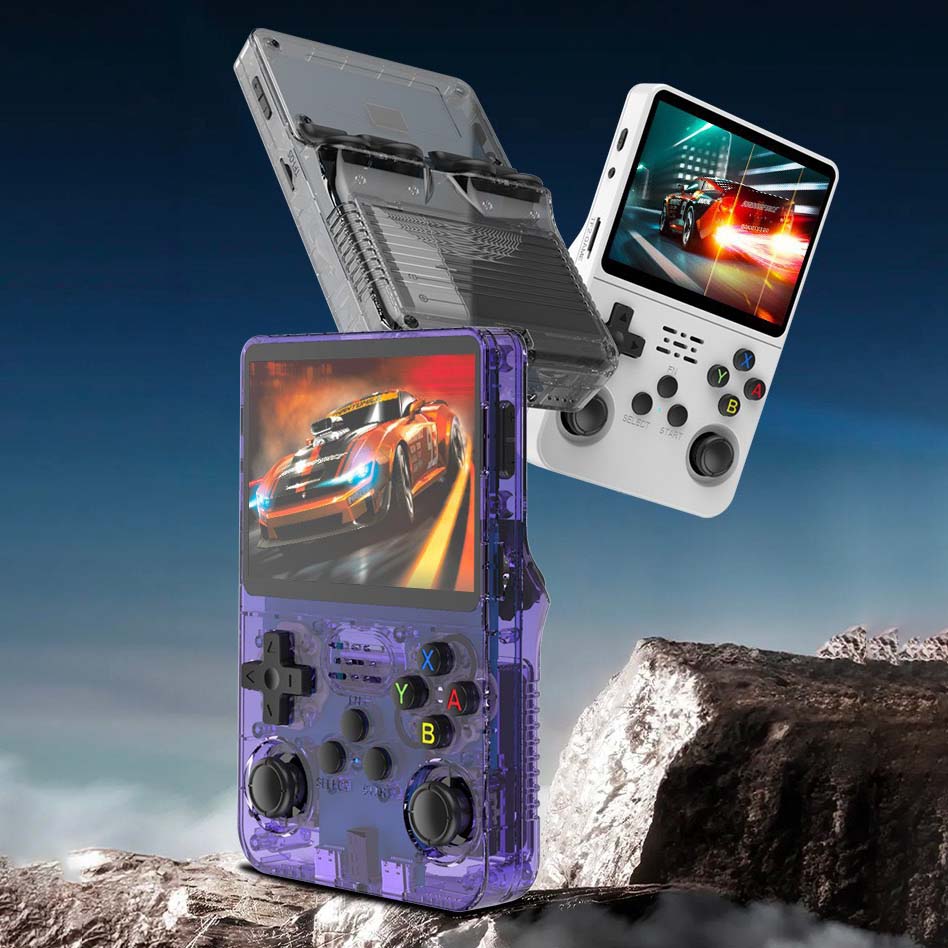
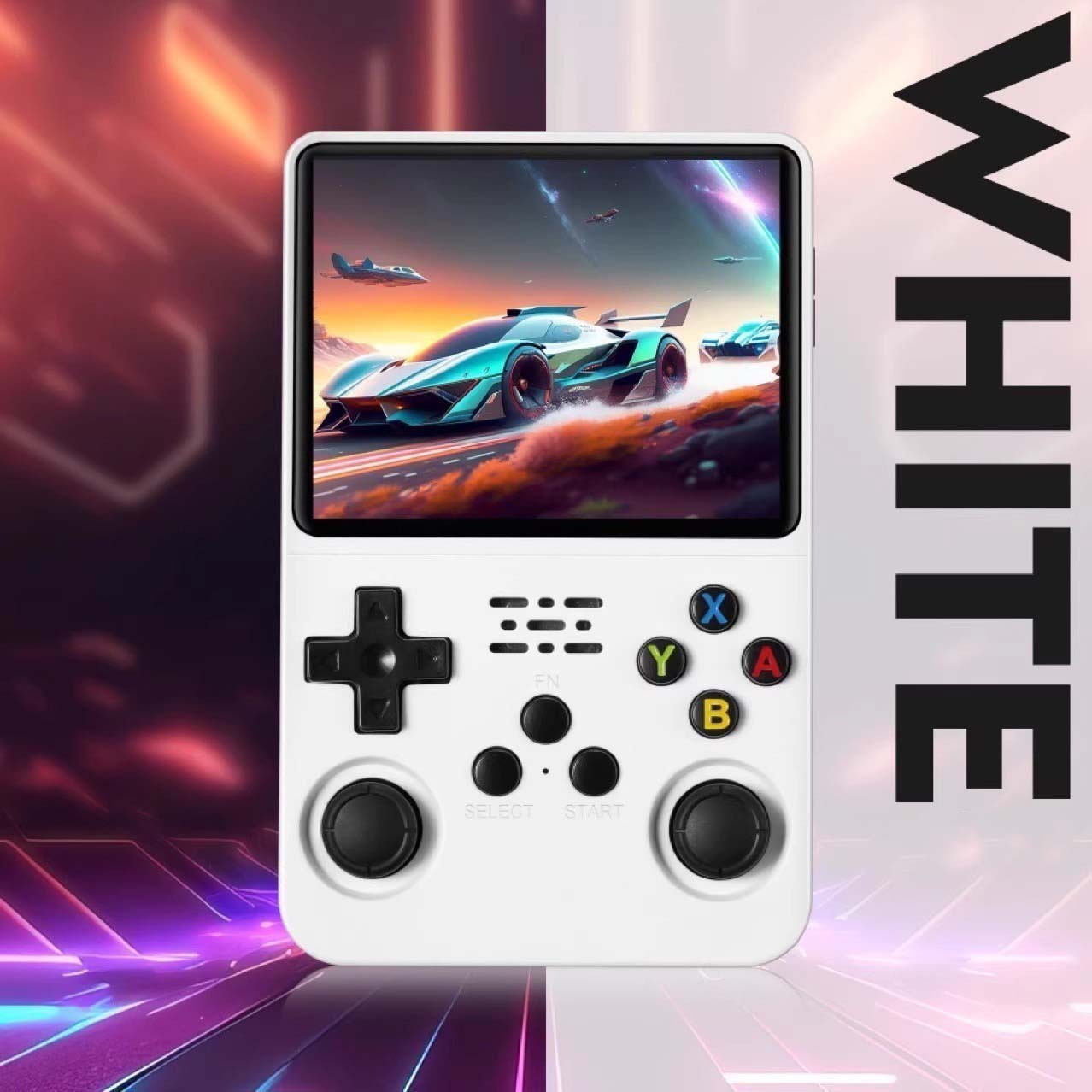
| Colors | Assorted |
| Package Includes | 1 x Game Consle |
| Warranty & Guarantee | No |
🌟 Product Highlights
-
✅ 3.5” High-definition RGB color screen
-
✅ Dual 3D joystick + D-pad combo
-
✅ Supports 10+ emulators and 10,000+ games
-
✅ RK3326 64-bit processor for smooth performance
-
✅ Dual TF card storage and long battery life
-
✅ Comfortable, stylish, and compact
💕 Why You’ll Love It
🎮 Nostalgia meets innovation — play classics in modern HD clarity.
🚀 Ultra-smooth gameplay, even for 3D titles.
🔋 Long battery life for hours of entertainment on the go.
🎁 Perfect gift for gamers, collectors, or kids.
Here’s the text extracted and rewritten into a clean, professional product description format for your listing 👇
🔌 Special Instructions – Power On/Off & Memory Card Guide
🕹️ System Setup & Startup
-
Insert the system card into the TF1-OS slot before powering on.
-
Press the Power key to turn on the device and enter the main system interface.
-
Insert the game data card into the TF2-GAME slot. After the system boots up, go to:
OPTIONS → ADVANCED → SWITCH TO SD2 FOR ROMS
to view and run the game content from the card.
⚠️ Warning
-
Without a system card, the device will display only a yellow light with no screen output.
In this case, insert the system card and press the Reset key to enter the system. -
If the device is set to SD2 and you remove the TF2-GAME card before turning it on, the system may fail to start properly.
🔋 Charging Instructions
-
When the red indicator light flashes, please charge the device promptly.
Once the DC charger is connected, the red light will remain steady while charging. -
If the red light flashes continuously and you don’t charge in time, the device will automatically power off after about an hour.
To reset, press and hold the Power key for 12 seconds until the green light turns off, then recharge.
After about an hour, the device will power on normally.
💡 Tip: Always keep the device charged regularly to ensure smooth operation and avoid startup issues.
Frequently Asked Questions (FAQs)
- What is the delivery time?
Standard Delivery for Metro City: 5-7 Days, Express Delivery for Metro City: 3-5 Days, Rest of India: 7-9 Days (*Working Days)
- What is the return and refund policy?
We offer a replacement policy. If your item is defective or faulty upon delivery, we will replace it free of cost.
- Are there any shipping charges?
Shipping is FREE for orders above Rs.500. For orders below, a nominal charge of Rs.40 applies. Express shipping charges vary based on order size and will be displayed during checkout. Please note, charges are subject to availability.
- Do you have a physical walk-in store?
We operate exclusively as an online store and provide delivery all over India through trusted couriers like Delhivery, Bluedart, and Amazon Ship to ensure timely delivery.
- Do you offer any reseller program or discounts?
Currently, we do not have a reseller program. However, after completing 4-5 orders with us, please feel free to contact us for further assistance.
- How can I cancel my order?
You can cancel your order either immediately after placing it or before it is dispatched. Once dispatched, cancellation is not possible. For assistance, please contact our customer care via WhatsApp at 9322990002 or email us at hello@giftoo.in.
- Customization is offered for select products. Look for the "Print Your Name" option on the product page to see which items qualify.
- We offer customization for certain products, with design and style handled by our dedicated team.
- Please note that only text can be printed due to the nature of laser printing, which produces colors based on surface and laser reaction. Common colors include white, grey, silver, gold, and black.
- Kindly be informed that customized products are not eligible for return or refund.